The no-code environment
in Ventuz
No code. No compromise.
Everything you would normally script, from logic and data binding to interactivity and state, you build by connecting nodes.
Why Ventuz is built around a node graph
Real-time projects change late. A data source moves, a client reworks the running order, a stage gets rebuilt overnight. Ventuz is built around a node graph so the people who design the content can build the logic behind it too, without a developer in the loop and without waiting for a build.
Visual programming is often a simplified layer on top of a scripting engine: convenient until you reach its edge and drop into code. In Ventuz the node graph is the production system itself. APIs and SDKs are there when you want them, but no scene requires them: the logic that runs on stage is the logic you see in the graph.
That changes how a project runs. Your logic stays readable for the whole team, not just for whoever wrote it. And scenes stay editable while they play out on the target hardware, so a change takes seconds instead of a build-test-deploy cycle, on show day too.
Learn more about the node system
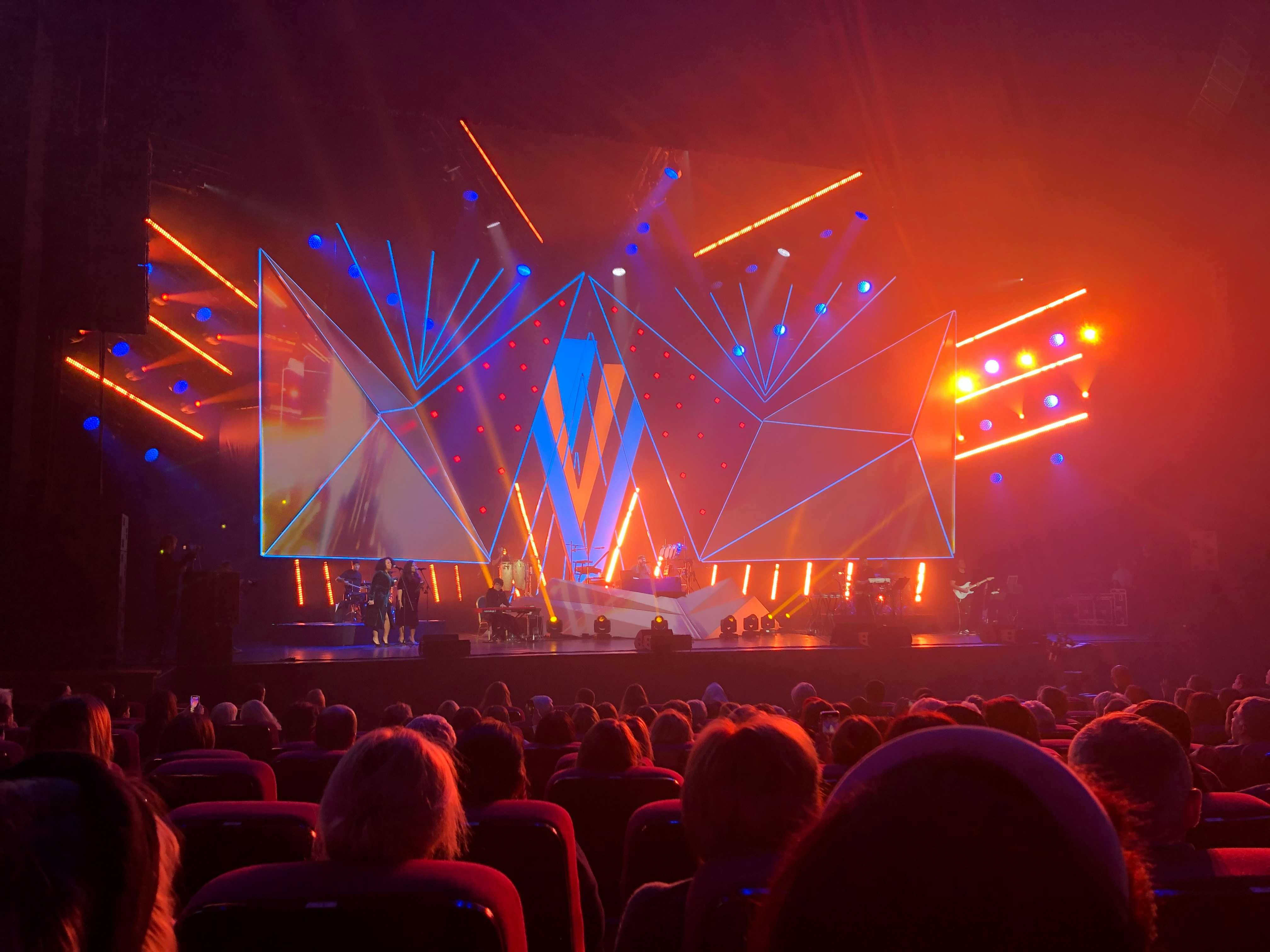
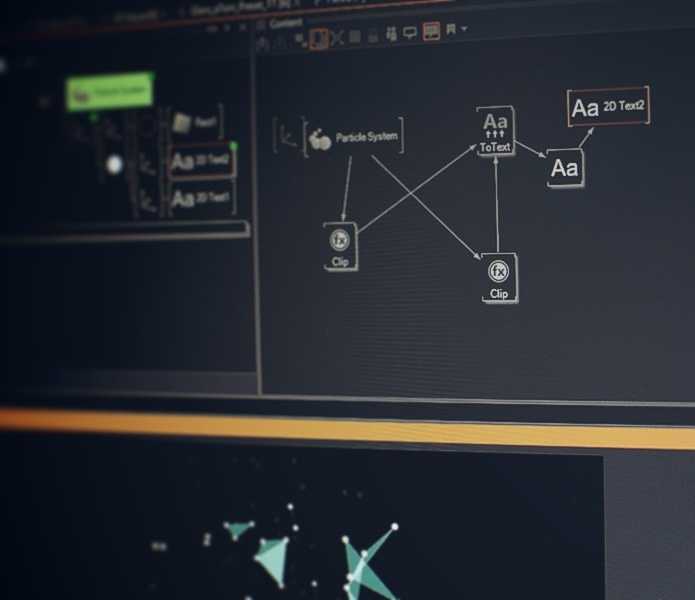
The Ventuz Designer workspace shows exactly what will go onscreen. No guesswork, no compiling, and a scene stays editable while it plays out on the target hardware.
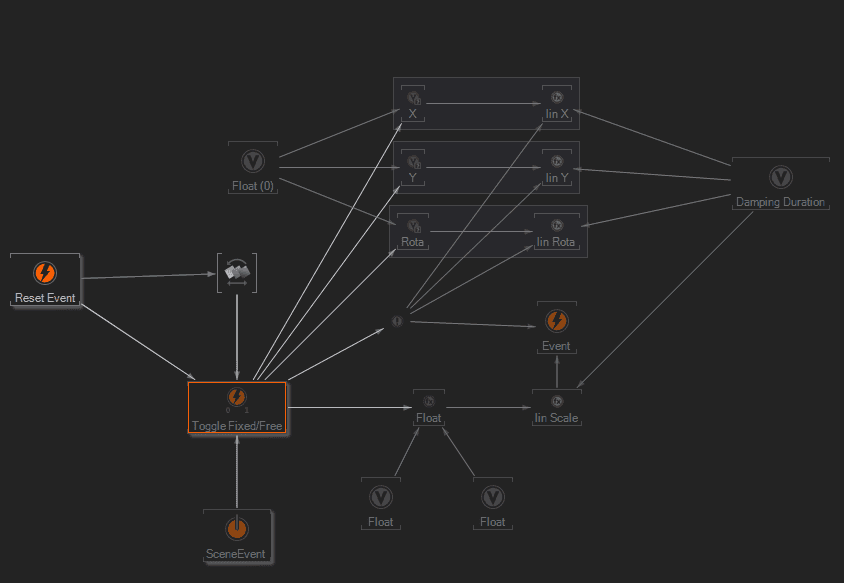
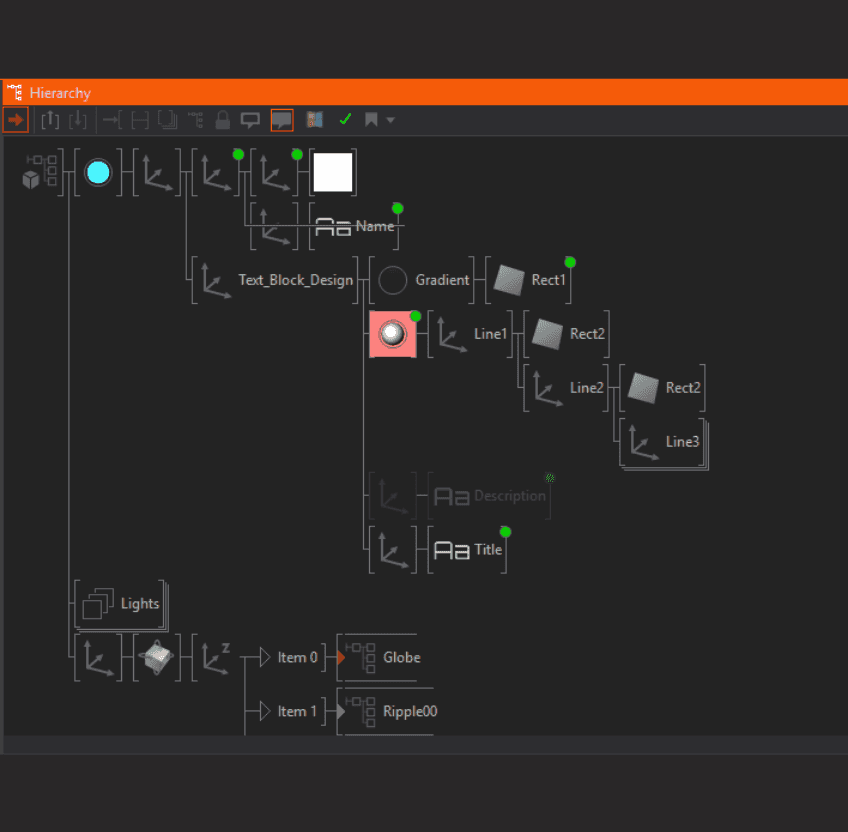
Wire nodes and bindings together to build complex logic and data connections, without touching a line of code.
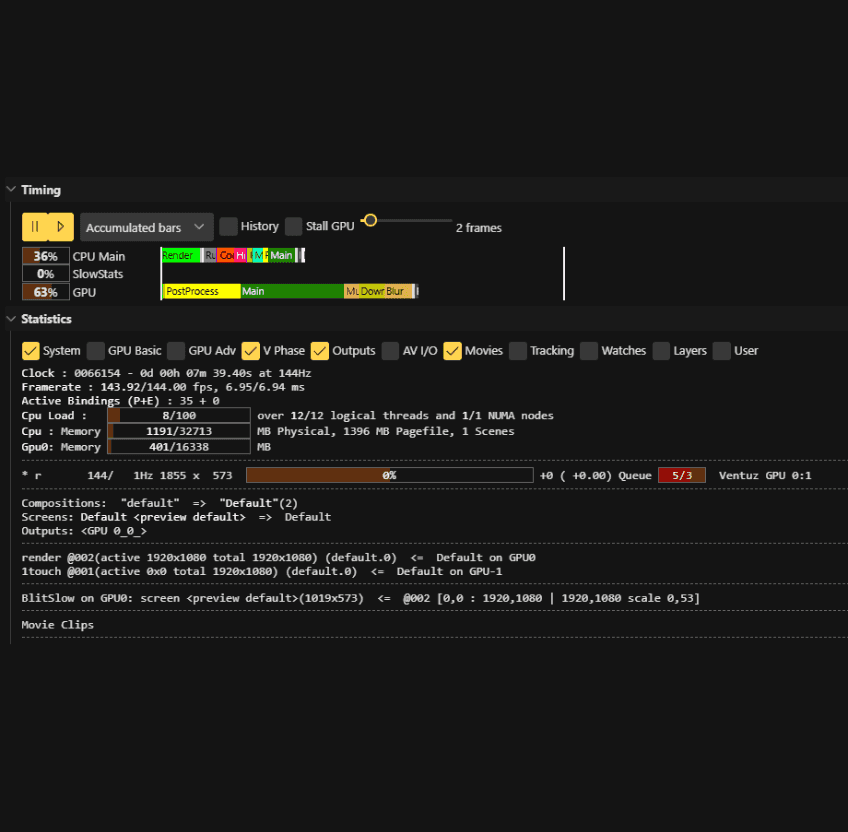
GPU instancing and efficient scene management keep playback smooth in complex scenes, and the scene statistics show you exactly where the time goes. 100% frame-accurate, with frame-locked output.
The node tree makes resource loading and rendering transparent: you decide what gets loaded and when. Containers keep the structure intact while you fine-tune a scene.