Flexible playout options
in Ventuz
One scene. Any output.
A single SDI feed, a video wall driven by a frame-synced cluster, a projection-mapped stage or an AR set: the same scene plays out wherever the show needs it.
Why the output is a setting, not a rebuild
In most pipelines the output target shapes the project. A scene built for one 1080p broadcast feed is not the scene that drives twelve projectors, and moving from one to the other means rebuilding it. Ventuz keeps the content and its destination apart: the scene stays what it is, and the machine configuration decides how many outputs there are, what resolution and refresh rate they run at, and which part of the canvas each one shows.
That is what makes late changes survivable. A screen gets added, a projector shifts, the studio switches from SDI to NDI, the resolution doubles because the LED wall grew: you change the configuration, not the scene. When one machine is no longer enough, a cluster renders the same canvas across several systems, genlocked and framelocked, so animations and video stay in step across every surface.
None of these outputs is a separate mode. Broadcast SDI, NDI streams, multi-display layouts, warping and soft-edging for projection, tracked cameras for AR, VR headsets and MOS newsroom integration all run against the same node graph and the same live data. And previsualization lets you plan timings, camera paths and display setups long before the hardware is on site.


Learn more about the playout options
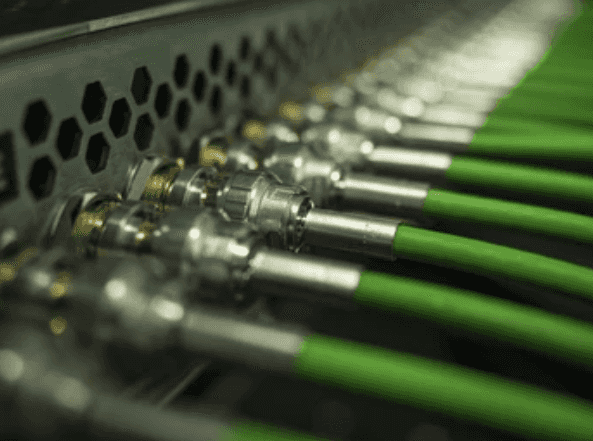
Ventuz takes SDI in and out through cards from Blackmagic, AJA, Deltacast and other supported vendors, and genlock and framelock keep the rendering in sync across machines.
ST 2110 carries uncompressed video with sub-frame latency over standard IP networks, with NMOS for discovery and PTP for sync, on boards from Deltacast, Blackmagic Design and AJA.
Live video travels in and out over the network with alpha included, so an NDI stream takes the place of a cable without extra hardware.
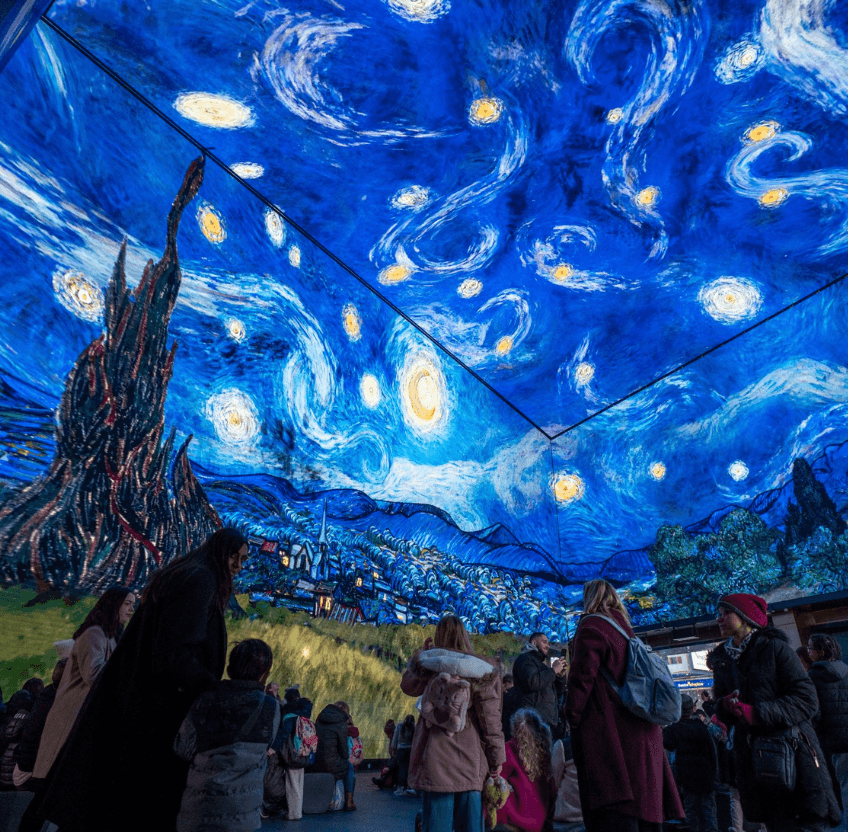
One machine drives several screens at once, each with its own resolution and orientation, from video walls and panoramas to irregular multi-screen layouts.
Cluster rendering distributes one scene across multiple systems with frame-synced output, scaling to whatever resolution the installation demands.
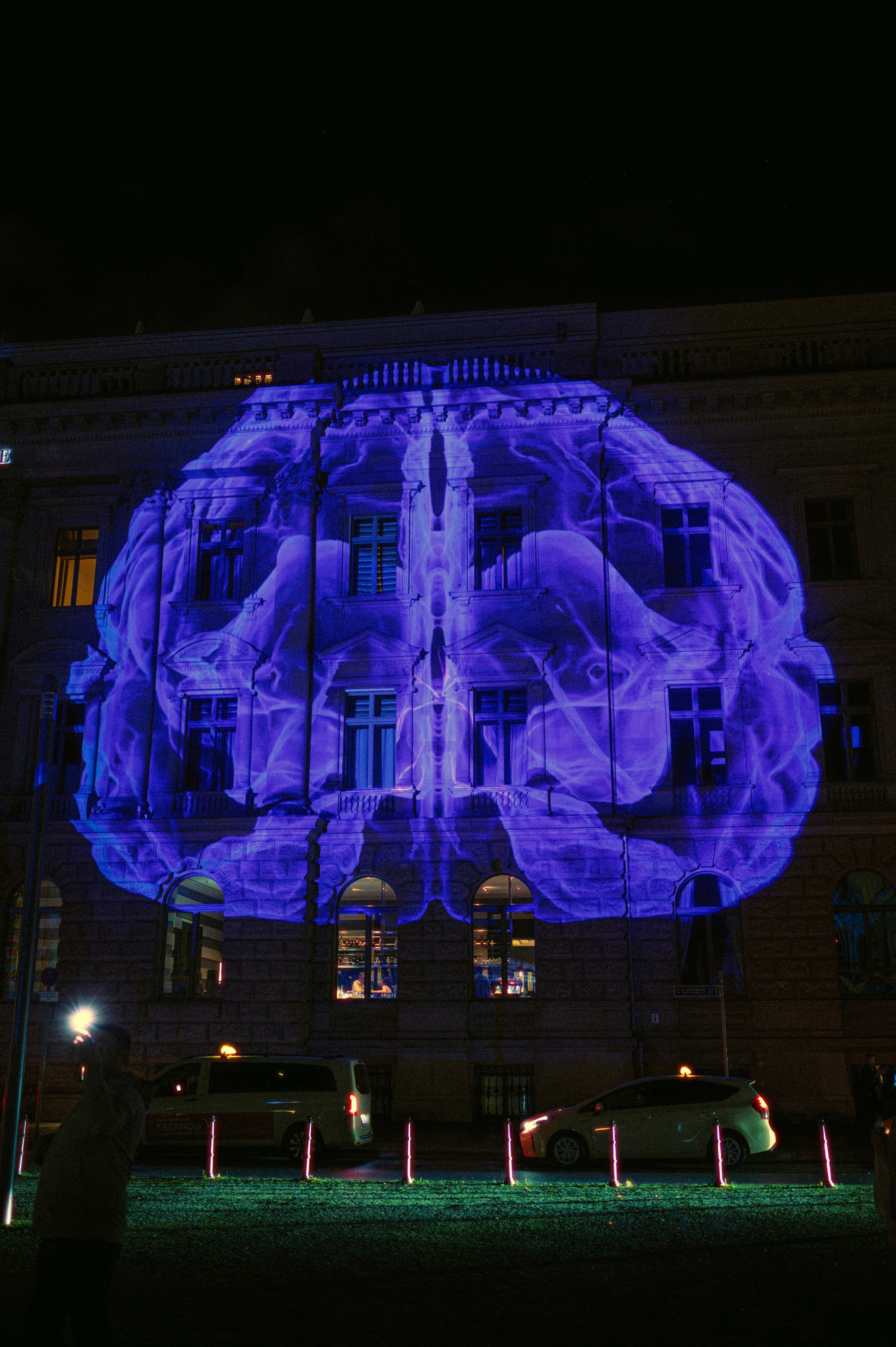
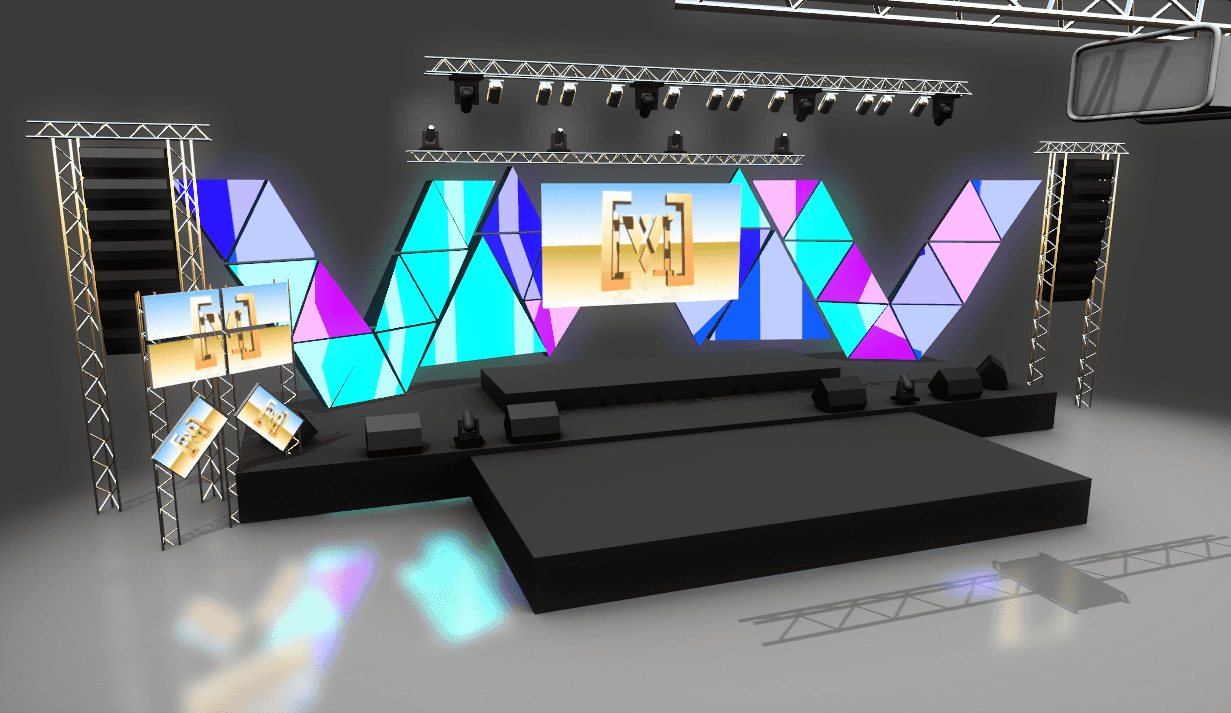
Built-in UV remapping, warping, soft-edging and masking align a multi-projector playout inside Ventuz, with no external processor in the signal path.
Previs rehearses the setup before you get on site: timings, camera paths and display configurations, tested without the hardware.
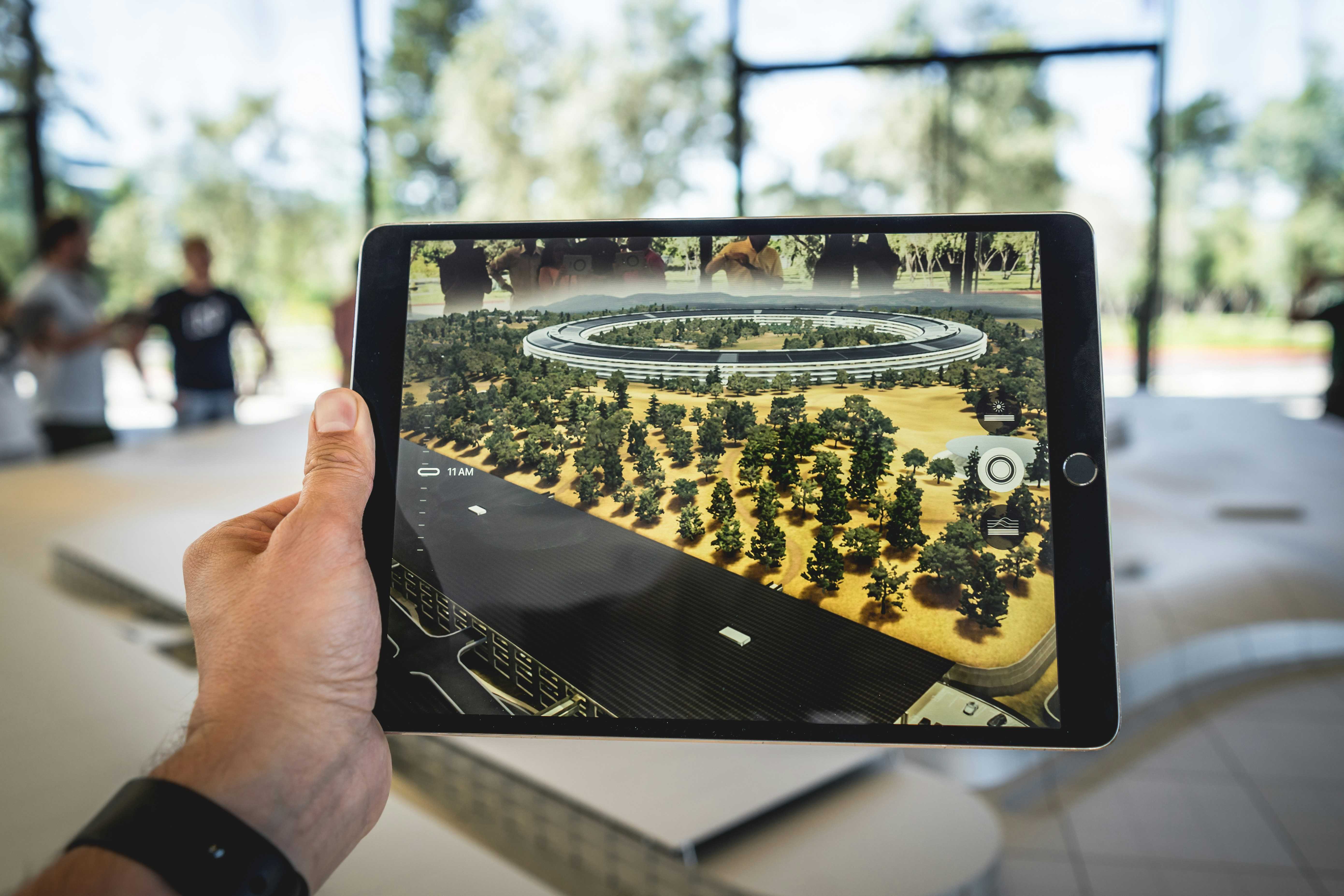
Camera tracking with Mo-Sys, Stype and others locks virtual graphics to the real camera move, in real time.
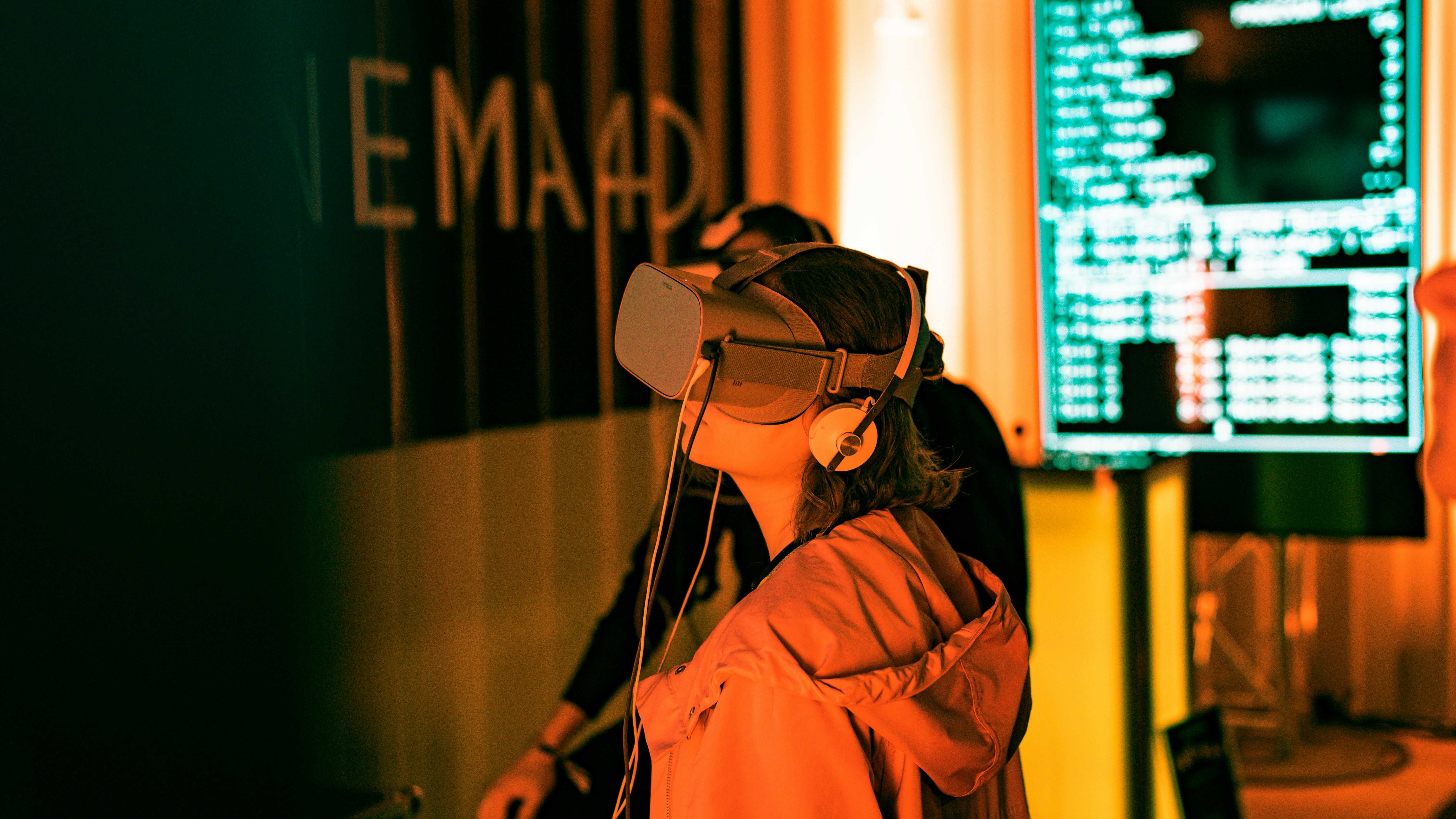
Head mounted displays and controllers drive a scene through Touch Nodes, so VR works for design reviews, spatial testing or as an interactive output of its own.
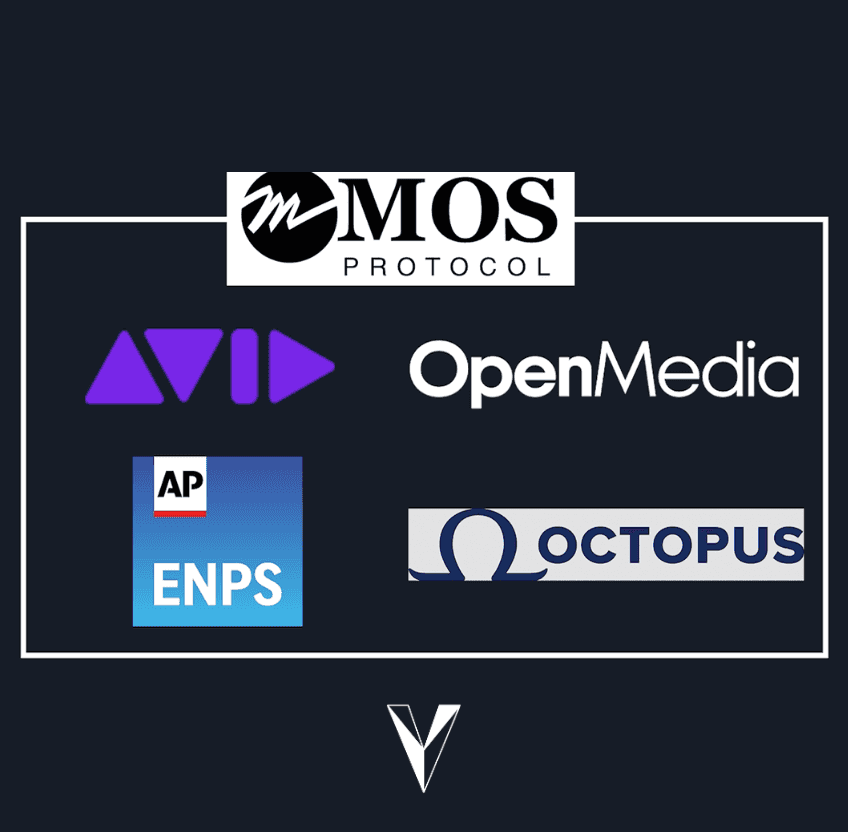
The MOS protocol connects Ventuz to AP ENPS, Avid iNEWS, Octopus and OpenMedia, so journalists add graphics to the rundown from the newsroom system itself.